Toggle
A switch that is on or off. It stores true or false.
3D also keeps a log for each Toggle field: every change, with the user and the time, from the moment the record is created. The log is a table of its own. See The data.
Use it for
- A fact about the record that is either true or false, such as Active or Has consented.
- A flag that people change later from the data table, such as Verified.
Tip
For a question with three answers, such as Yes, No and Unknown, use a Select One. A Toggle has no blank state. It is off until someone turns it on.
Settings
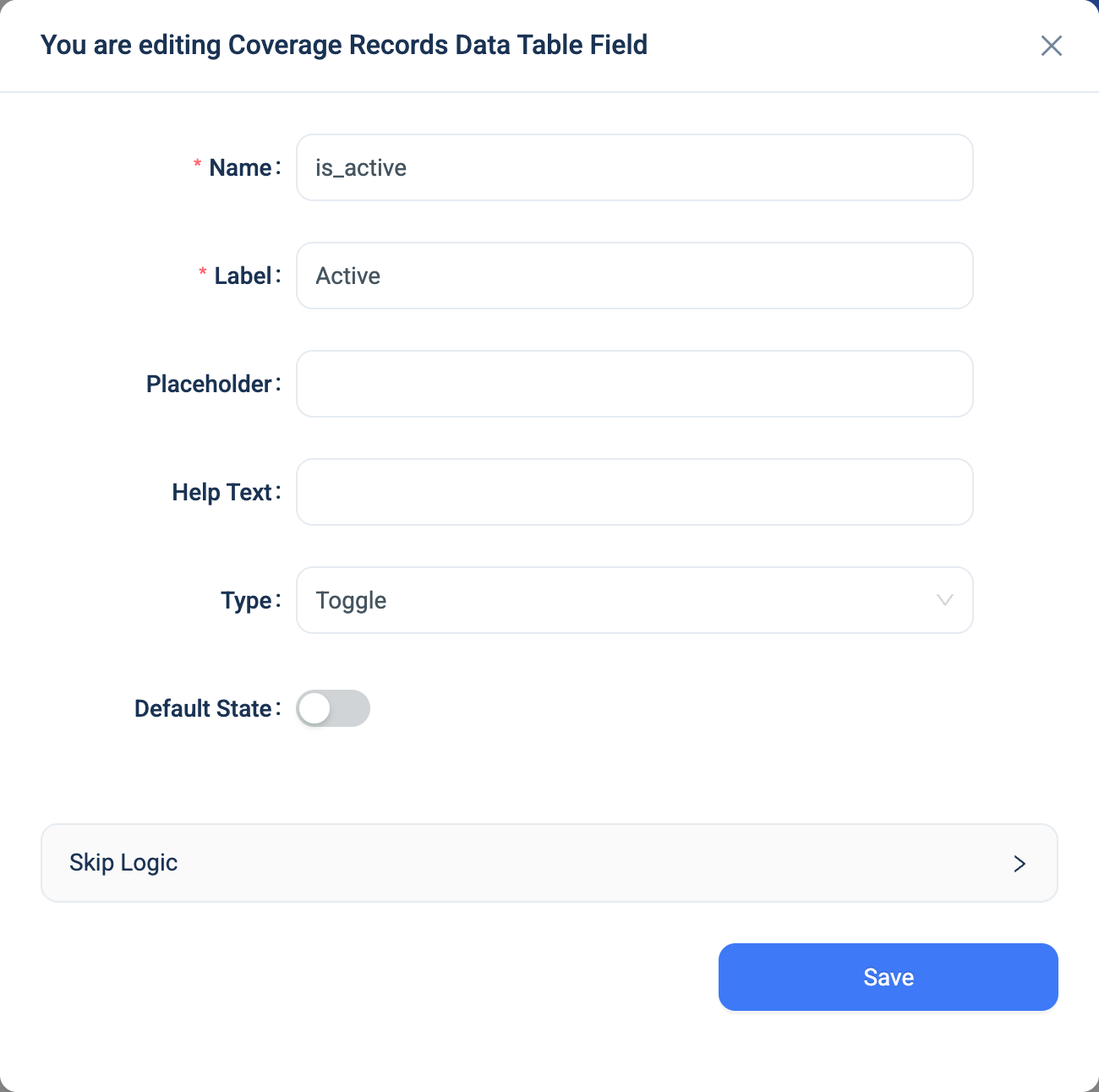
Every question has a Name, a Label, a Placeholder, Help Text and Skip Logic. See Adding a question. Toggle adds one setting and removes one.
| Setting | Description |
|---|---|
| Default State | Whether the switch starts on or off. Off by default. |
There is no Required checkbox. A Toggle always has a value.
Validation
None.
Combinations that matter
- Skip Logic on another question can test the Toggle. A switch that is off counts as "not answered", so use "was answered" to show a question when the switch is on.
- A calculated field reads true or false.
is_active ? 'Active' : 'Inactive'turns it into a label. - The data table shows a live switch. A click changes the record at once, without opening it, and writes a log row.
- A Toggle on a table with records. When you add the field, every existing record gets the default state and a first log row.
How it looks
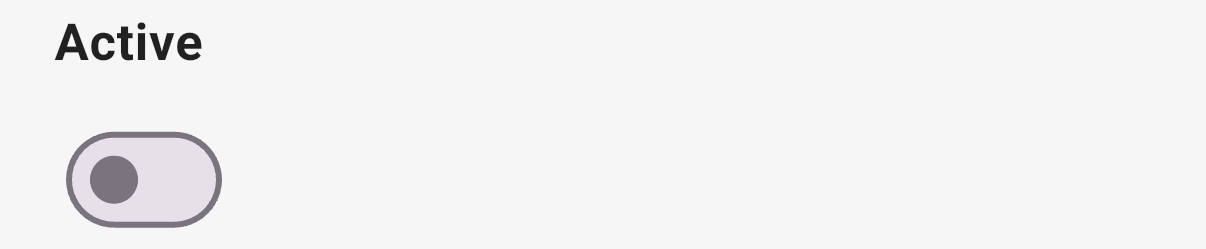
On the web and in the 3D app the question is a switch, set to the default state.

The question's settings, on the web:
The data
| Where | What you get |
|---|---|
| The record | True or false. |
| The data table | A live switch. |
| A CSV export | On or Off. |
| An Excel export | A true or false cell. |
| A formula or Skip Logic | True or false. |
| The log table | One row per change: on or off, who, and when. The table appears on the Tables page when you add the field. Its rows stay when the record is deleted. |
Related types
- Select One for a question with more than two answers, or with a blank state.
- Multi-Select for several yes or no answers in one question.