Text
A short answer on one line. Letters, numbers and other characters are all allowed.
A sub-type adds a rule about what the text may contain. The box looks the same. Only what it refuses changes.
Use it for
- A name, an address line, a job title.
- A code or a reference that has no fixed list.
- An email address, a web address or a phone number, with the matching sub-type.
Tip
When the answer comes from a fixed list, use a Select One instead. A list cannot be misspelt.
Settings
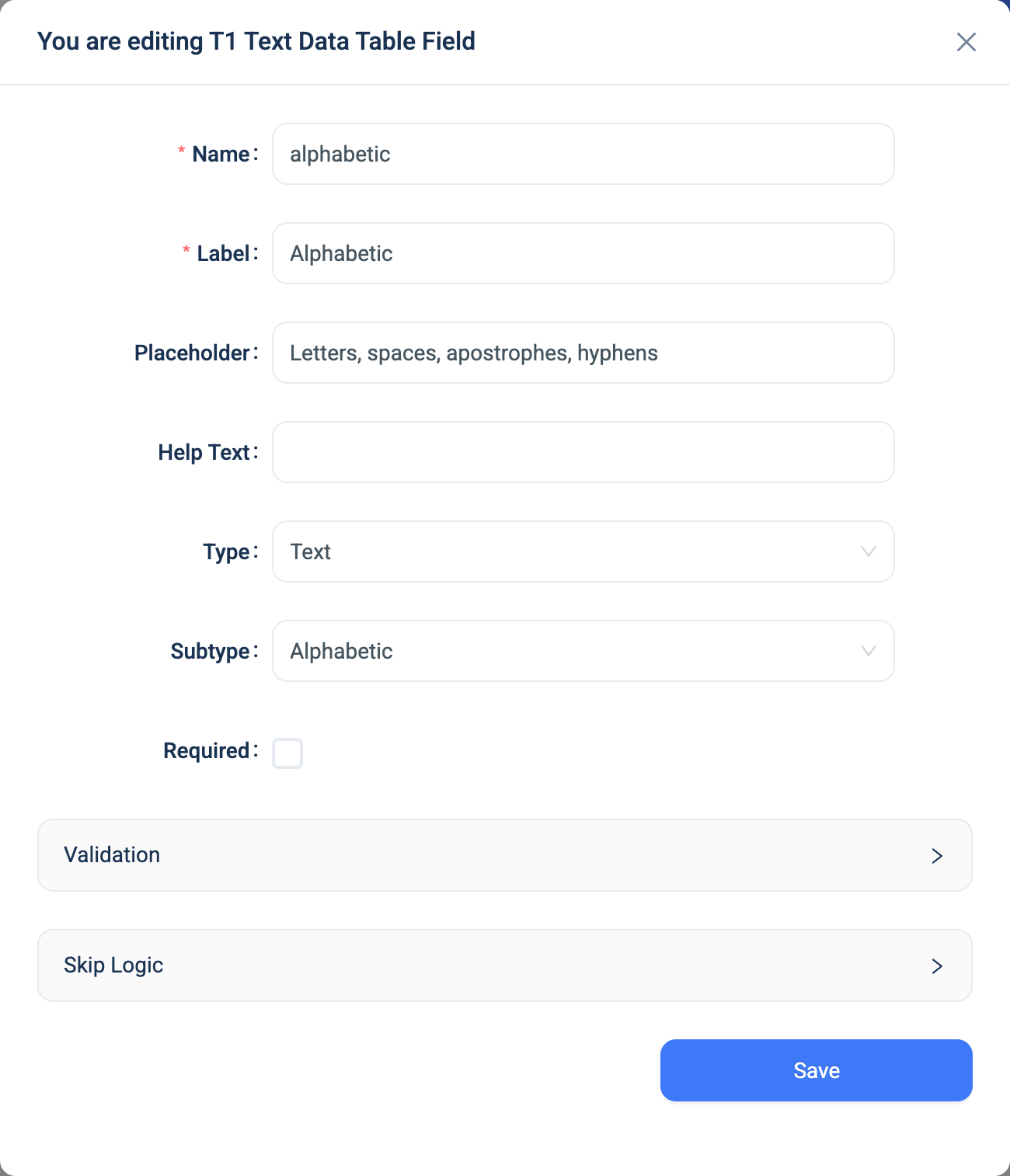
Every question has a Name, a Label, a Placeholder, Help Text, Required and Skip Logic. See Adding a question. Text adds these.
| Setting | Description |
|---|---|
| Subtype | The rule the text must follow. See the table below. The default is None. |
| Validation: Min, Max | The shortest and longest answer, in characters. For a Phone number, in digits. |
| Sub-type | What it accepts |
|---|---|
| None | Anything. |
| Alphabetic | Letters, spaces, apostrophes and hyphens. Suitable for a name. |
| Numeric | Digits only. Use it for a code that is made of digits, such as a postcode. For a quantity, use Integer. |
A valid email address, such as someone@example.org. |
|
| URL | A valid web address, such as https://example.org. The box shows that example when you set no placeholder. |
| Phone number | Digits, spaces, brackets and hyphens, with a + allowed as the first character only. |
A sub-type only applies to the Text type. A Long Text question has no sub-type.
Validation
A wrong answer shows a message under the question and the form does not submit.
| Rule | Message |
|---|---|
| Alphabetic | Input should contain only alphabetic characters. |
| Numeric | Input should contain only numeric characters. |
| Please enter a valid email. | |
| URL | Please enter a valid URL. |
| Phone number | Please enter a valid phone number. |
| Min or Max | A message that names the limit, such as "This field must be up to 10 characters". |
Combinations that matter
- Phone numbers are stored as digits only.
+44 (0)7700 900123is stored as4407700900123. An import applies the same rule, so a phone number in your file matches the stored value. - Skip Logic on another question can test a Text answer for equals or not equals. Spelling and case must match.
- A URL becomes a link in the data table and on the record page.
- A calculated field reads the text.
concat(first_name, ' ', last_name)joins two Text answers.
How it looks
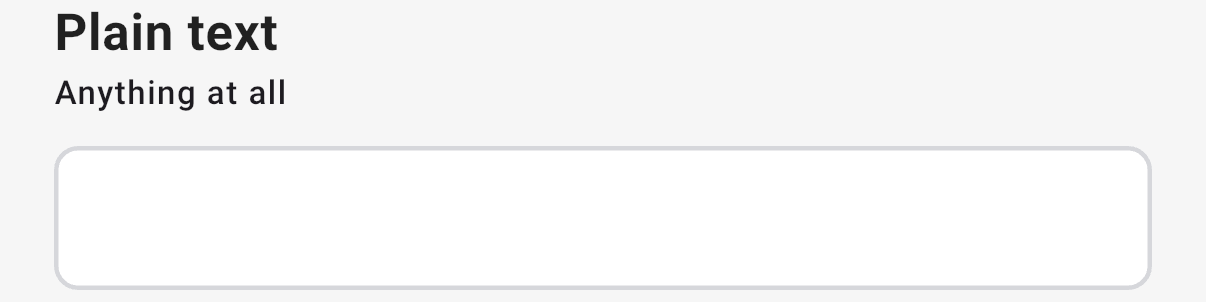
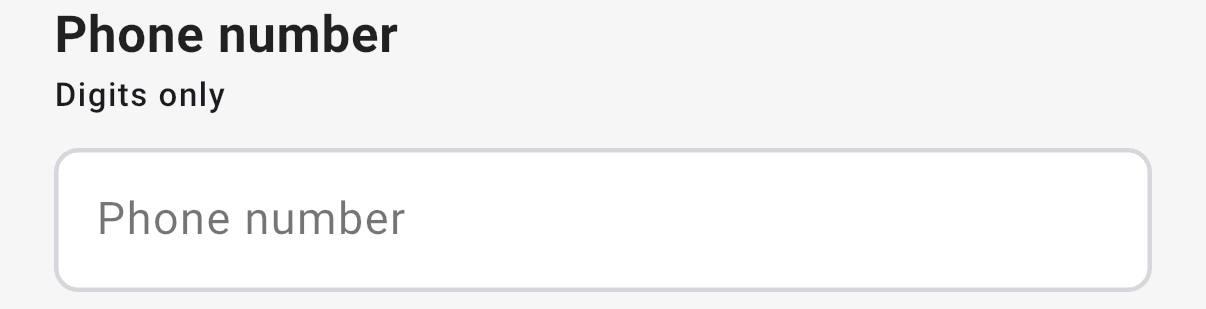
On the web the question is a one-line box, and the placeholder shows inside it. In the 3D app the placeholder shows under the label, and the box shows a short hint for the sub-type, such as Email address or Phone number.

The Phone number sub-type:

The question's settings, on the web, with the Alphabetic sub-type:
The data
| Where | What you get |
|---|---|
| The record | The text. A phone number is the digits only. |
| An export | One text column. |
| A formula or Skip Logic | The text. |
Related types
- Long Text for an answer of several lines.
- Select One when the answer comes from a fixed list.
- Integer for a quantity you will count or add up.
- Barcode for a code the user scans.