Time
A time of day, with no date. The user picks the hour and the minute.
Use it for
- The start time of a session, when the date is asked in another question.
- An opening time or a scheduled time that has no date.
Use DateTime when you need the date and the time together.
Settings
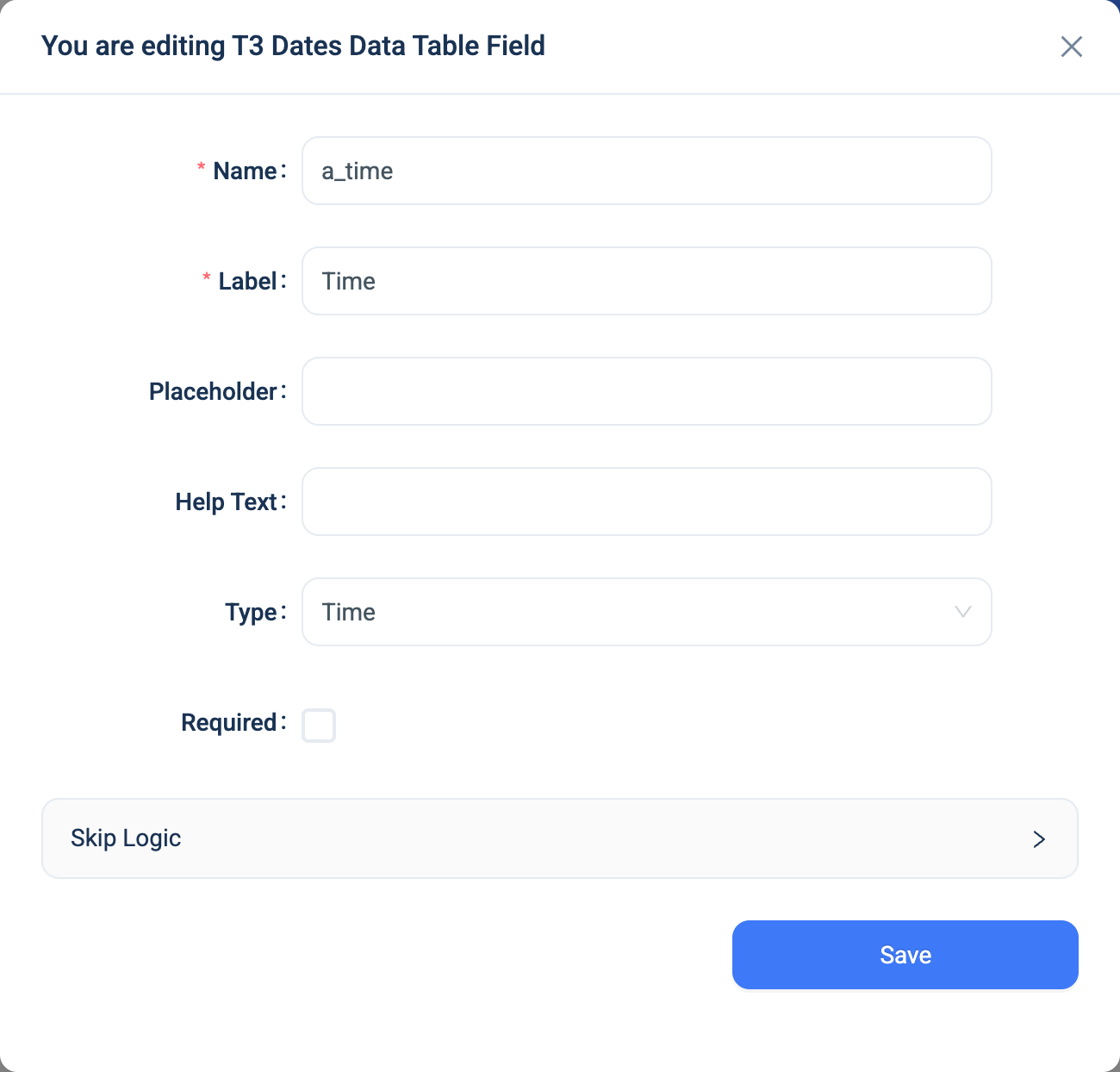
Every question has a Name, a Label, a Placeholder, Help Text, Required and Skip Logic. See Adding a question. Time adds nothing. There is no Validation panel.
Validation
Required only.
Combinations that matter
- Skip Logic on another question can test whether the time was answered, or equals a value.
- A calculated field reads the time as text, such as
14:30. It cannot do arithmetic on it. - A form that asks for a date and a time in separate questions stores two values that a formula cannot combine. Use DateTime when you need the moment as one value.
How it looks
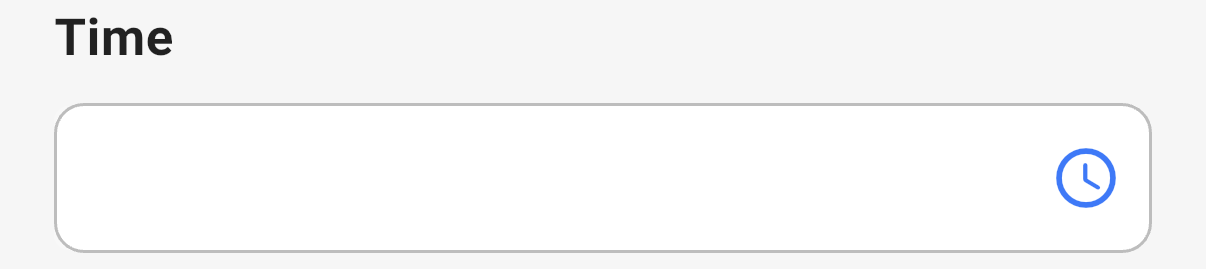
On the web the question is a time picker that shows the time as 14:30. In the 3D app a clock button opens a time picker.

The question's settings, on the web:
The data
| Where | What you get |
|---|---|
| The record | The time as text, HH:mm. |
| An export | One text column. |
| A formula or Skip Logic | The text. |