Image
A photo attached to the submission. In the 3D app the user takes it with the camera. On the web the user uploads a file.
Use it for
- A photo of a site, a crop, a document or a piece of equipment.
- Evidence that a visit took place.
One question holds one image. For several photos, add several Image questions.
Settings
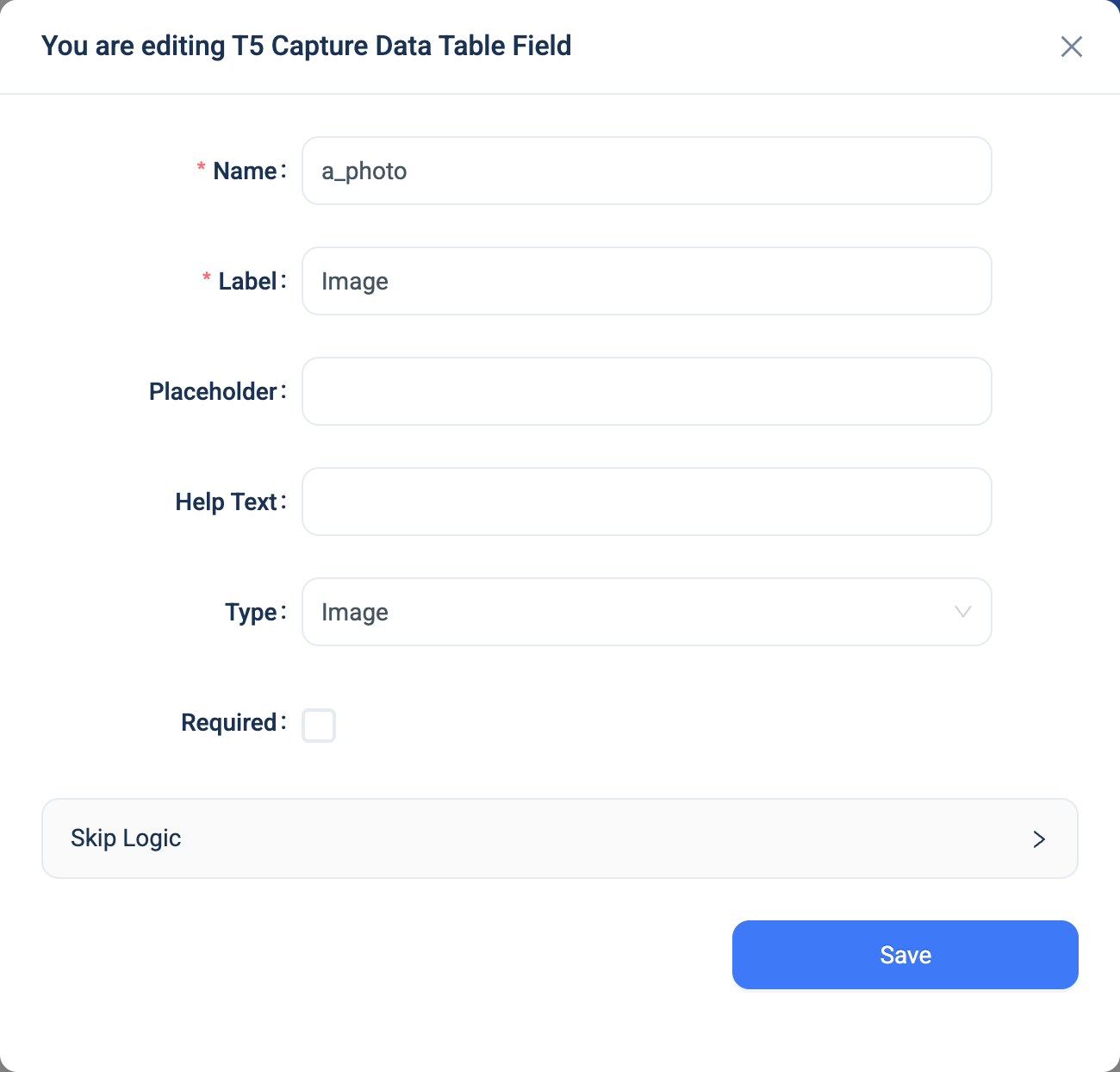
Every question has a Name, a Label, a Placeholder, Help Text, Required and Skip Logic. See Adding a question. Image adds nothing.
Validation
Required, and the file type. On the web, a file that is not an image shows "You can only upload JPG/PNG/GIF file!". A file over 50 MB is refused.
Combinations that matter
- Skip Logic on another question can test whether the image was answered or not answered. It cannot test the content.
- A calculated field cannot read an image.
- Editing the record with a new image deletes the old file.
- Offline capture. The 3D app keeps the photo on the device until the submission is sent. A form with many photos makes a large submission, which takes longer to send on a slow connection.
How it looks
On the web the question is an Upload tile. In the 3D app it is a Take a photo button that opens the camera.


The question's settings, on the web:
The data
| Where | What you get |
|---|---|
| The record | The stored file. The data table shows a thumbnail, and the record page shows the image. |
| An export | One text column with the file's path on the server. |
| A formula | Nothing. |
Related types
- File for a document rather than a photo.
- Barcode for a code the user scans.
- Geolocation to record where the photo was taken, as a separate question.