File
A document attached to the submission, such as a PDF, a Word file or a spreadsheet.
Use it for
- A signed consent form, a certificate or a scanned letter.
- A spreadsheet or a report that belongs with the record.
One question holds one file. For several files, add several File questions.
Settings
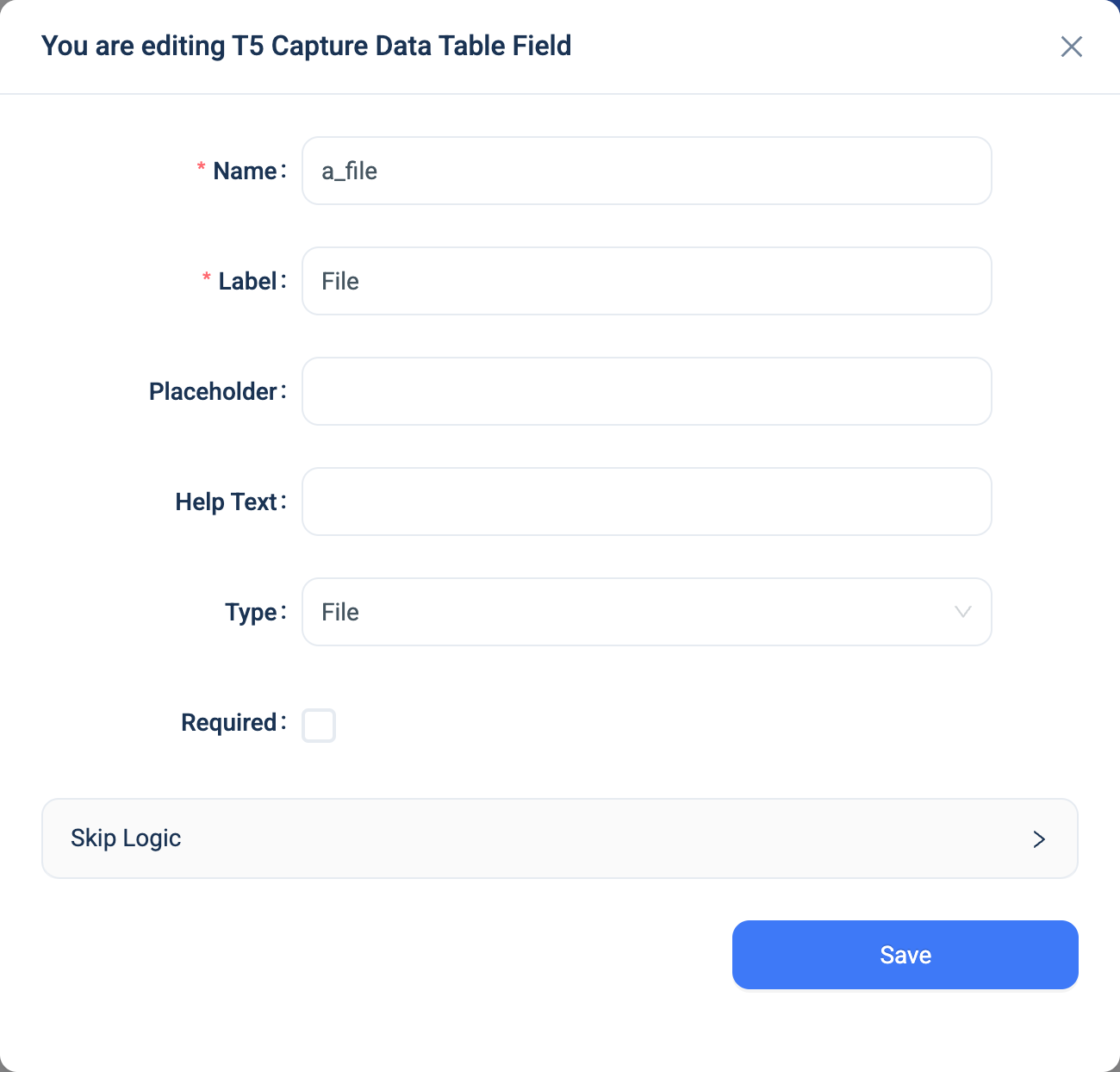
Every question has a Name, a Label, a Placeholder, Help Text, Required and Skip Logic. See Adding a question. File adds nothing.
Validation
Required, and the file type. 3D refuses files that could carry a program, such as executables, scripts, web pages, Office files with macros, archives and disk images. A refused file shows "File type not allowed", with the extension. A file over 50 MB is refused.
Combinations that matter
- Skip Logic on another question can test whether the file was answered or not answered.
- A calculated field cannot read a file.
- Editing the record with a new file deletes the old one.
- Offline capture. The 3D app keeps the file on the device until the submission is sent.
How it looks
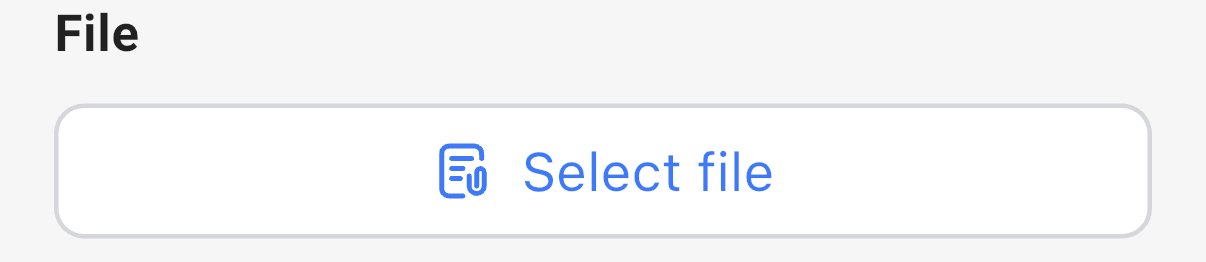
On the web the question is a Select File button. In the 3D app it is a Select file button that opens the device's file picker.

The question's settings, on the web:
The data
| Where | What you get |
|---|---|
| The record | The stored file. The data table and the record page show the file name as a link. |
| An export | One text column with the file's path on the server. |
| A formula | Nothing. |
Related types
- Image for a photo.