ID
A short, readable identifier that 3D gives to each record. The user never sees the question. 3D fills the value in when it creates the record.
3D already gives every record a long system id. An ID field adds a friendlier one, with a counter and an optional prefix. With the prefix STU on a Students table, the records are STU1, STU2, STU3 and so on.
Use it for
- A reference number that people can read out, write on paper or print on a card.
- A code that tells the type of a record at a glance, with a different prefix per table.
Example
A project has three tables with the prefixes STU, TCH and SCH. A field officer who sees TCH42 on a form knows it is a teacher record without opening it.
Settings
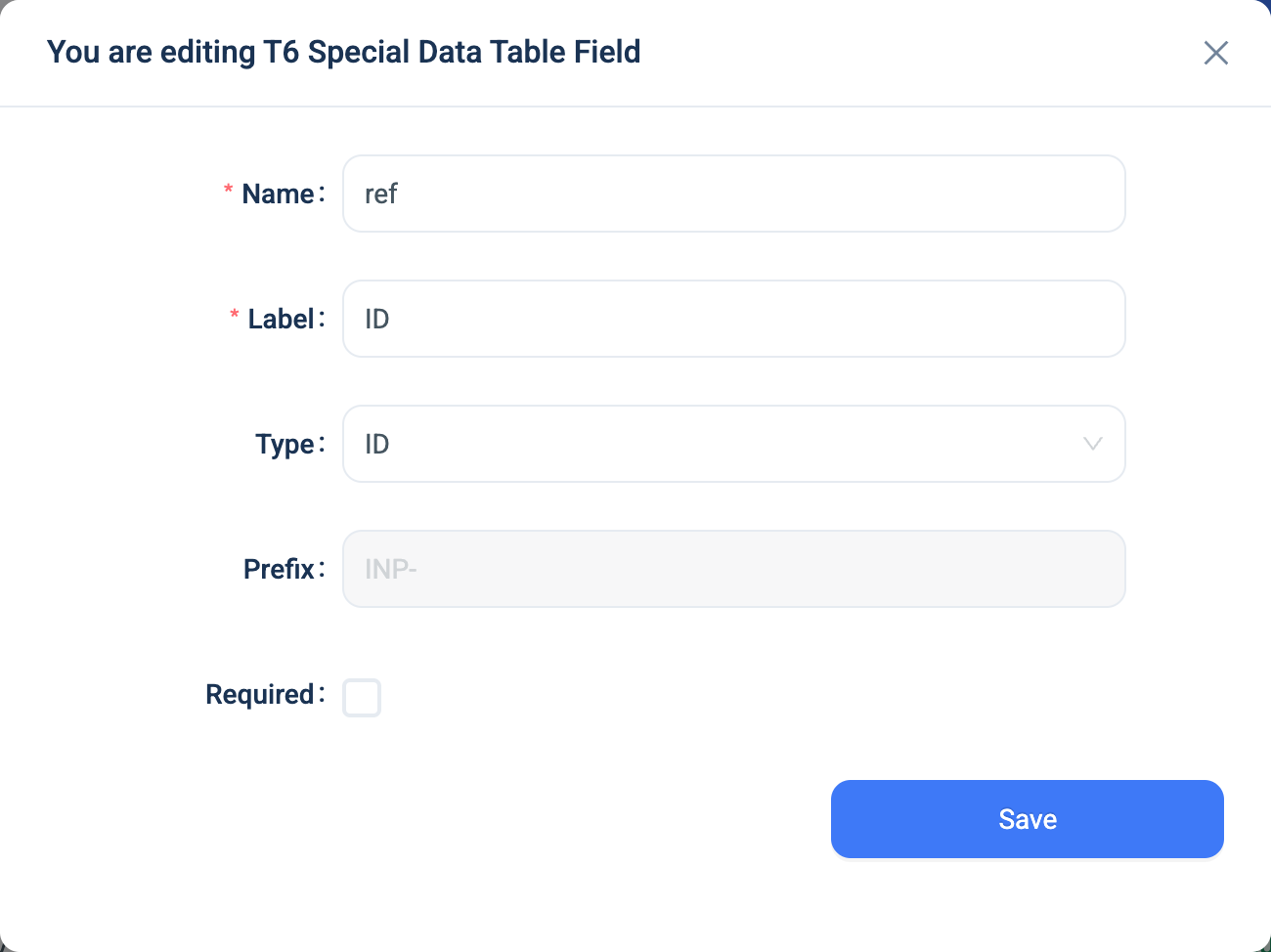
An ID field has a Name, a Label and one setting of its own. It has no Placeholder, Help Text or Skip Logic, because it never appears on the form.
| Setting | Description |
|---|---|
| Prefix | Up to three letters in front of the number. Optional. You cannot change it after you save the field. |
A table can have one ID field. When the table has one, the ID entry in the Type list is greyed out.
Validation
None. 3D manages the value. The Required checkbox has no effect on this type.
Combinations that matter
- A table that already has records gets an ID for each one when you add the field, in the order the records were created.
- IDs are never reused. A deleted record's number stays gone.
- A calculated field can read the ID as text, for example
concat('Ref ', ref). - Renaming the field's Name restarts the counter at 1. Set the Name once.
- An import does not set the ID. 3D gives each imported record the next number.
How it looks
The question does not appear on the form, on the web or in the 3D app. The value appears in the data table and on the record page after the record is saved.
The field's settings, on the web, with the prefix locked after the first save:
The data
| Where | What you get |
|---|---|
| The record | Text: the prefix and the number, such as STU42, or 42 with no prefix. |
| The data table | The value, as a column like any other. |
| An export | One text column. |
| A formula | The text. |