Decimal
A number with a decimal part. The user can type digits and one decimal point.
Use it for
- A measurement, such as a weight in kilograms or a distance in kilometres.
- An amount of money.
- A rate or a score with decimals.
Tip
Put the unit in the label, such as Weight (kg), so every answer is in the same unit. For a share of a whole, use Percent.
Settings
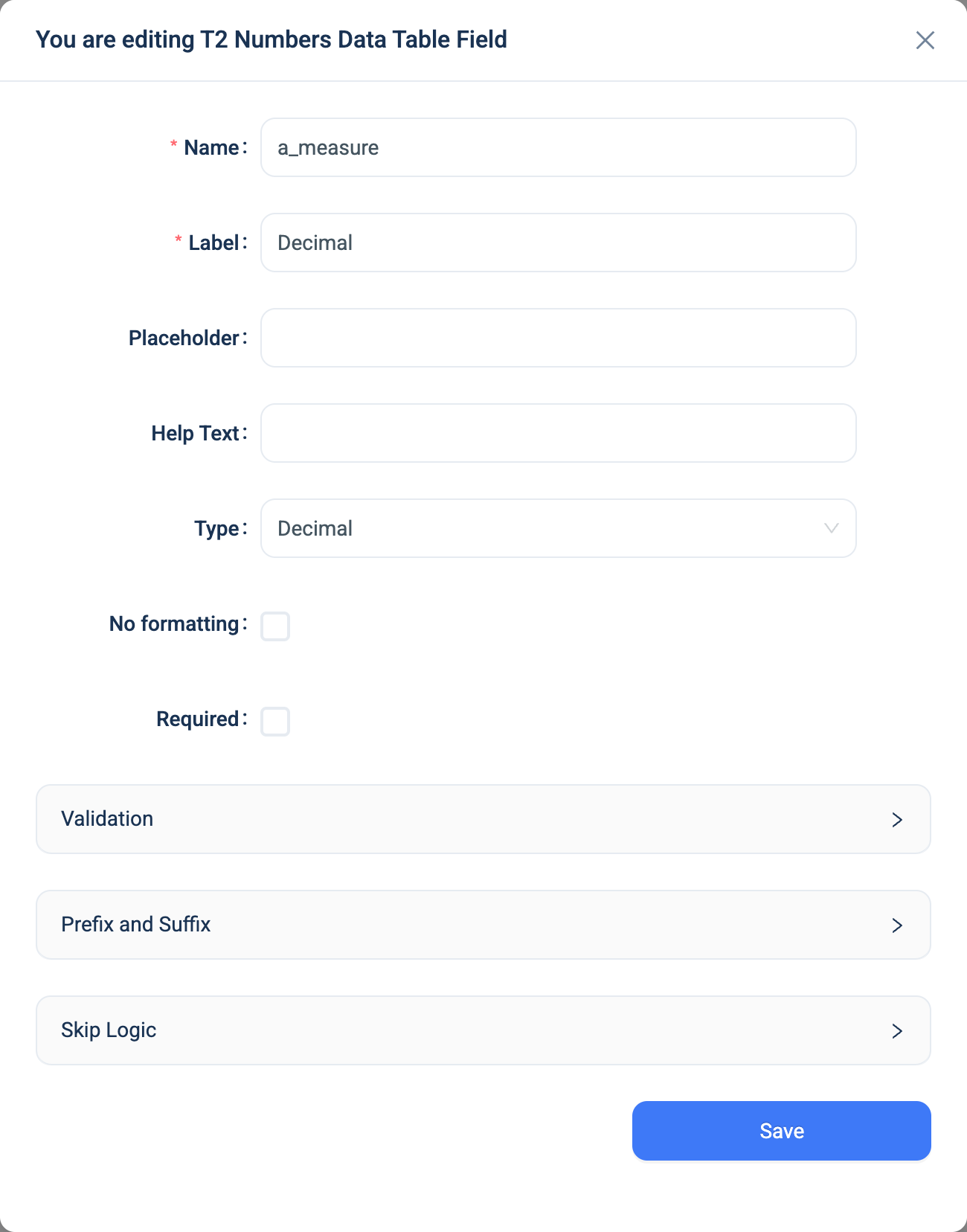
Every question has a Name, a Label, a Placeholder, Help Text, Required and Skip Logic. See Adding a question. Decimal adds the same settings as Integer.
| Setting | Description |
|---|---|
| No formatting | Shows the raw number in tables and on the record page. Off by default, so 1234.5 shows as 1,234.50. |
| Validation: Min, Max | The smallest and largest answer. Type a number, or pick an earlier number question on the same table. See A limit that is another question. |
| Prefix, Suffix | Text shown before or after the value in tables and on the record page, such as $ or kg. They do not appear on the form. |
Validation
The same rules as Integer. With Required on and no Min or Max, an answer that is not a number shows "The field must be an decimal".
Combinations that matter
- Skip Logic on another question can compare the number.
- A calculated field uses the number in arithmetic.
round(price * quantity, 2)gives a total to two decimal places. - The data table rounds to two decimal places unless No formatting is on. The stored value keeps every decimal the user typed.
How it looks
On the web the question is a number box. In the 3D app it is a plain box that accepts a decimal point.

The question's settings, on the web:
The data
| Where | What you get |
|---|---|
| The record | The number, with every decimal the user typed. |
| The data table | The number to two decimal places, with thousand separators, the prefix and the suffix, unless No formatting is on. |
| An export | One number column. |
| A formula or Skip Logic | The number. |