Long Text
An answer of several lines. Use it for a comment, a description or notes.
Use it for
- Observations at the end of a visit.
- A description of a site, a case or an incident.
- Any answer that a person writes in sentences.
Tip
A Long Text answer is hard to count or chart. When you want to analyse the answers, add a Select One for the category and keep the Long Text for the detail.
Settings
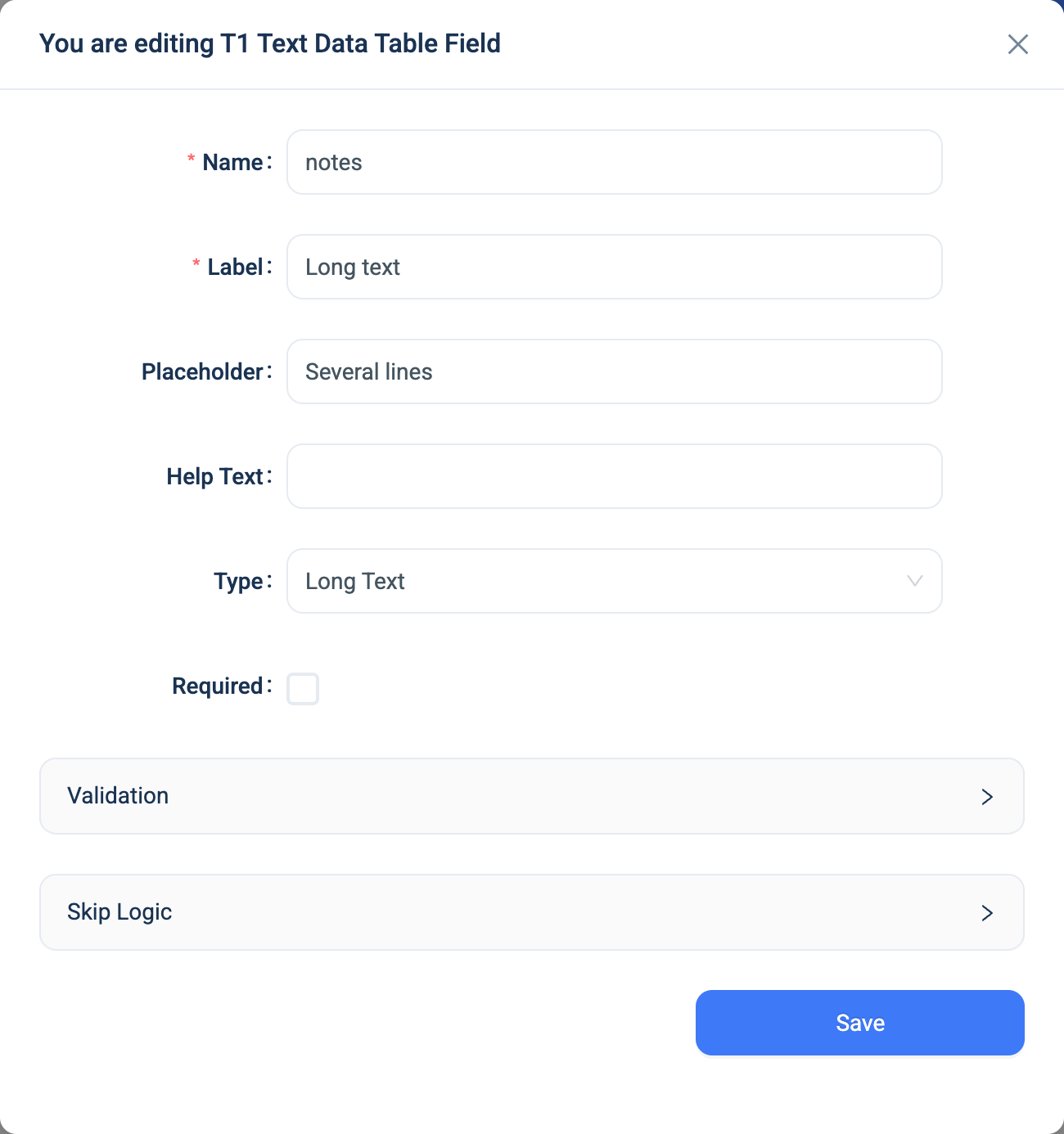
Every question has a Name, a Label, a Placeholder, Help Text, Required and Skip Logic. See Adding a question. Long Text adds one panel.
| Setting | Description |
|---|---|
| Validation: Min, Max | The shortest and longest answer, in characters. |
There is no sub-type. For an email address, a web address or a phone number, use Text.
Validation
Required, and the Min and Max length. A wrong length shows a message such as "This field must be up to 500 characters".
Combinations that matter
- Skip Logic on another question can test a Long Text answer for equals or not equals, but a free-text match is rarely useful. Test a Select One instead.
- A calculated field reads the text.
length(notes)gives the number of characters. - The data table shows the first three lines of a long answer, with a copy button. Open the record to read it all.
How it looks
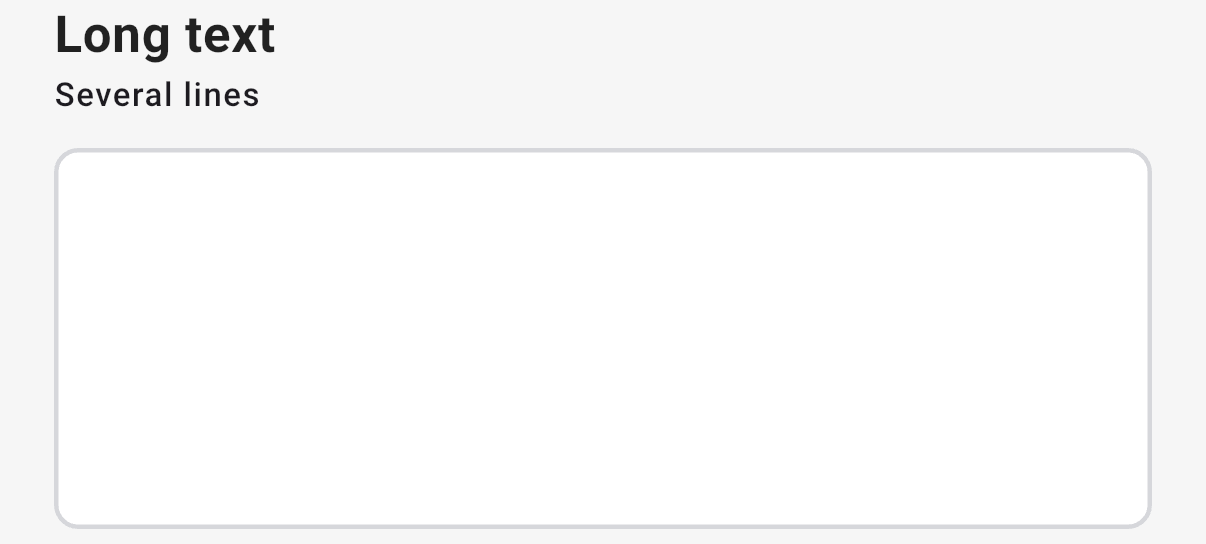
On the web the question is a box of several lines that grows as the user types. In the 3D app it is a taller box.

The question's settings, on the web:
The data
| Where | What you get |
|---|---|
| The record | The text, with its line breaks. |
| An export | One text column. |
| A formula | The text. |
Related types
- Text for one line, with sub-types for an email address, a web address or a phone number.
- Select One for an answer you want to count.