Date
A calendar date, with no time. The user picks it from a calendar.
Use it for
- The date of a visit, an event or a birth.
- A deadline or a planned date.
Use DateTime when the time matters as well, and Time when the date is recorded elsewhere.
Settings
Every question has a Name, a Label, a Placeholder, Help Text, Required and Skip Logic. See Adding a question. Date adds one panel.
| Setting | Description |
|---|---|
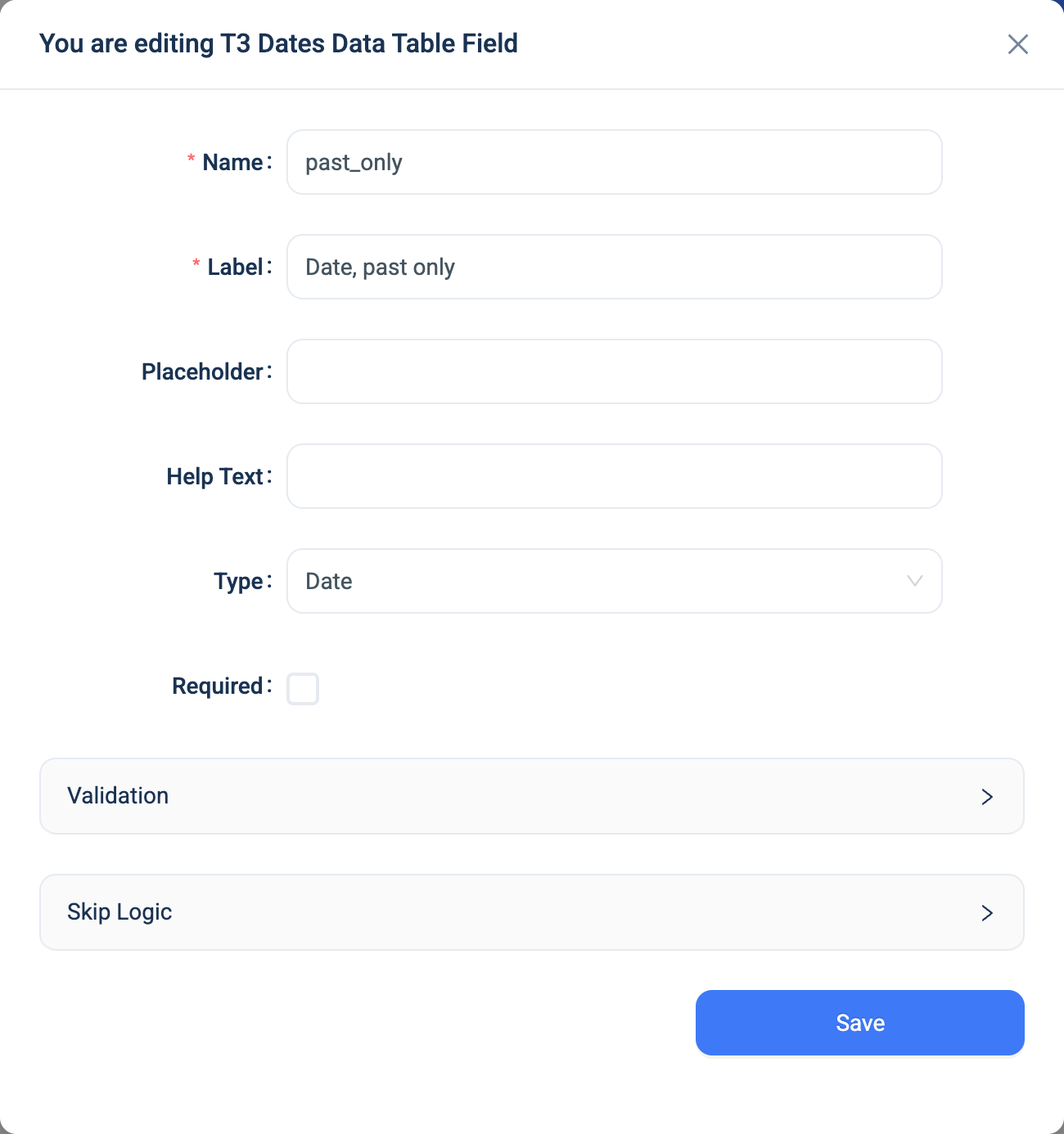
| Validation: Rule | None, Only past date or Only future date. The default is None. |
Validation
| Rule | Message |
|---|---|
| Only past date | Please choose a past date. |
| Only future date | Please choose a future date. |
The rule compares the date with the moment the user submits. Today counts as a past date, and not as a future date.
Note
The rule is checked on the web form and by the server for web submissions. The 3D app does not check it. A submission from the app with a date outside the rule is accepted.
Combinations that matter
- Skip Logic on another question can compare the date: equals, before, after, and so on.
- A calculated field can take the parts of a date with
year(visit_date),month(visit_date)andday(visit_date), and compare two dates withend_date >= start_date. There is no date arithmetic. See Auto Calculated. - An advanced validation rule on a second date can enforce an order, such as
end_date >= start_date. See Advanced validation.
How it looks
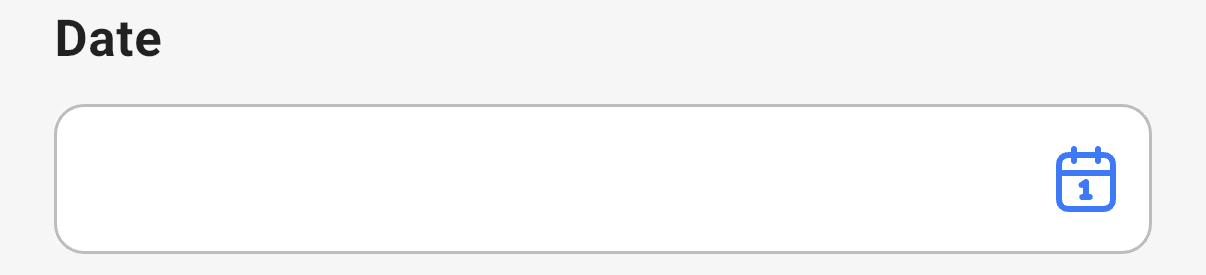
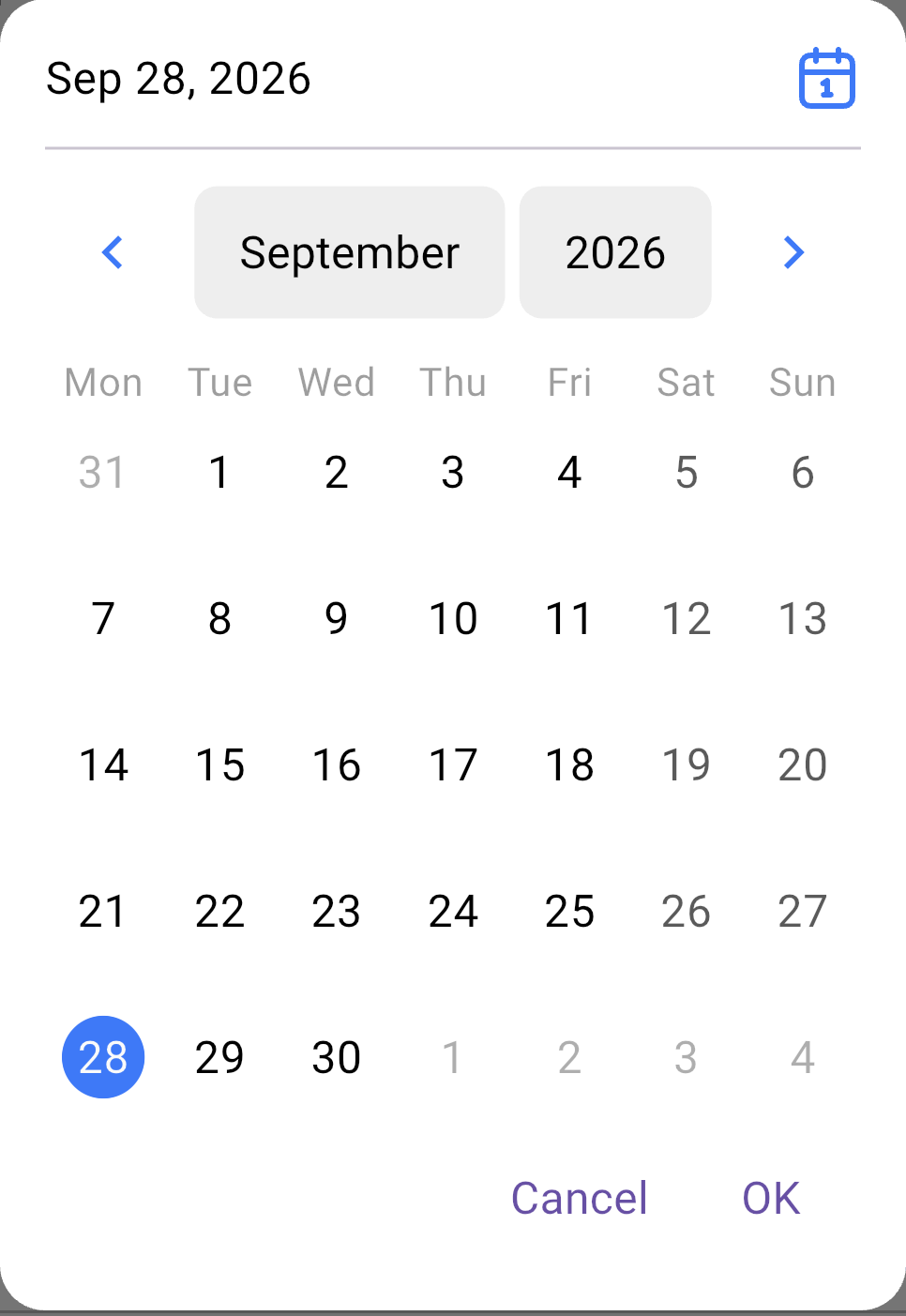
On the web the question is a date picker that shows the date as 28-Sep-26. In the 3D app a calendar button opens a calendar.

The calendar in the 3D app:
The question's settings, on the web, with the rule set to Only past date:
The data
| Where | What you get |
|---|---|
| The record | The date. |
| The data table | The date as 28-Sep-26. |
| An export | One date column. CSV shows 28-Sep-26. Excel holds a date cell. |
| A formula or Skip Logic | The date. |