DateTime
A date and a time together. Use it when you need to know exactly when something happened.
Use it for
- The moment a sample was taken or an incident occurred.
- The start of a session, when both the day and the hour matter.
Settings
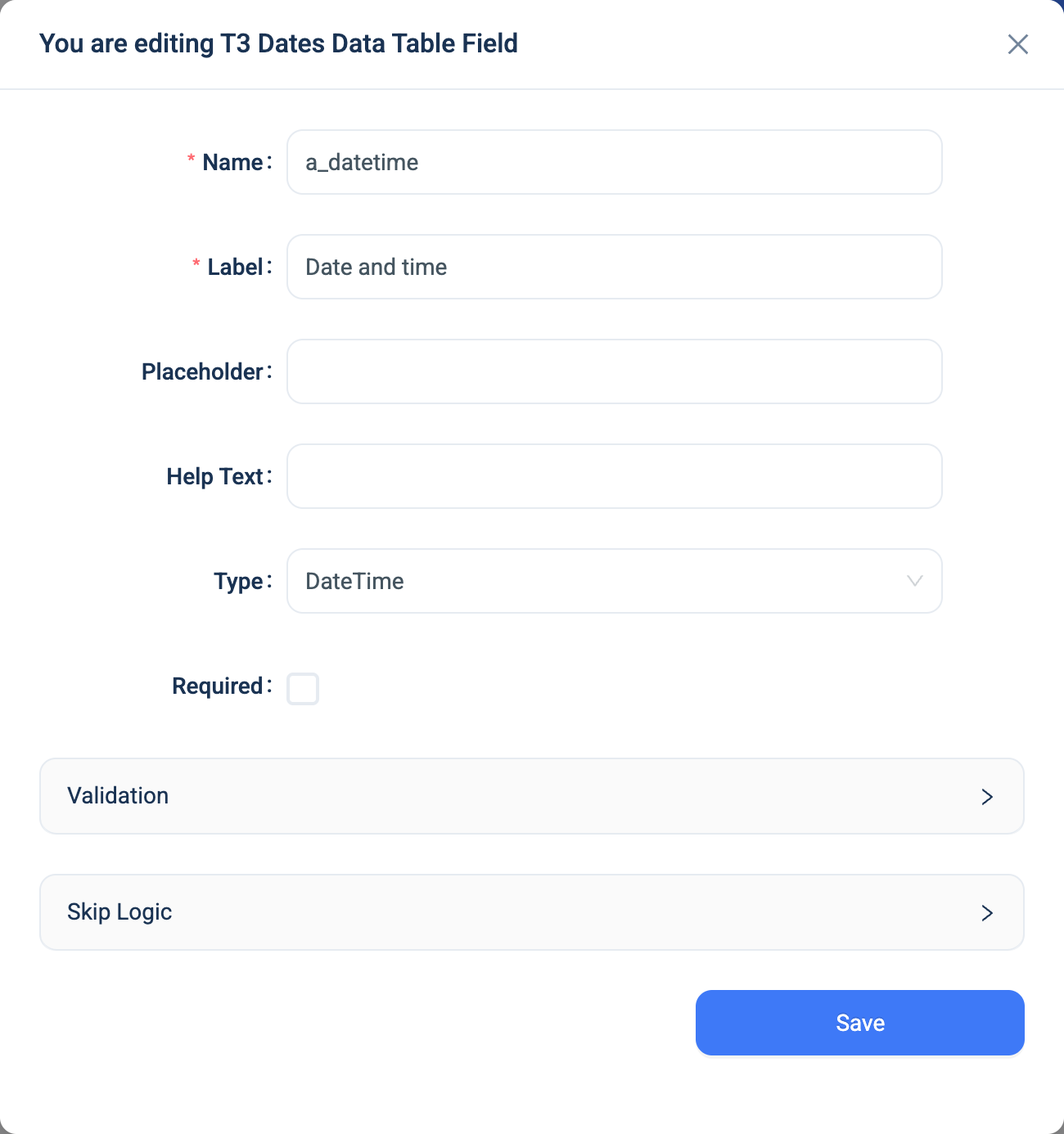
Every question has a Name, a Label, a Placeholder, Help Text, Required and Skip Logic. See Adding a question. DateTime adds the same panel as Date.
| Setting | Description |
|---|---|
| Validation: Rule | None, Only past date or Only future date. The default is None. |
Validation
The same rules and messages as Date. The 3D app does not check the rule.
Combinations that matter
- Skip Logic on another question can compare the value with a date and time.
- A calculated field can take the parts with
year(recorded_at),month(recorded_at)andday(recorded_at), and compare two values. There is no date arithmetic. - Time zones. The value is stored as a moment in time. An Excel export shows it at the server's clock time.
How it looks
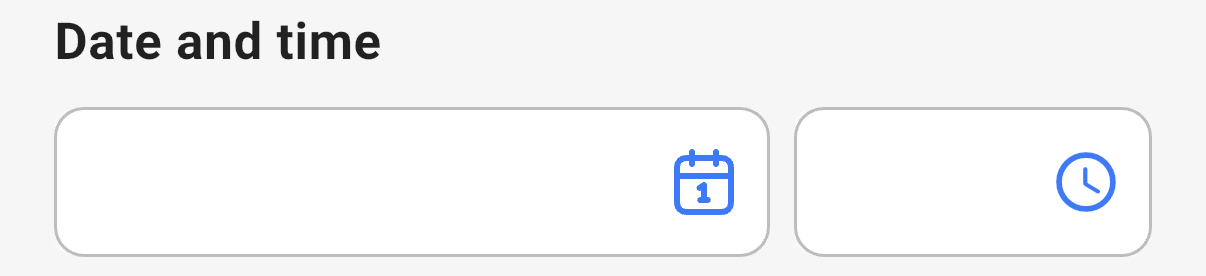
On the web the question is one picker for the date and the time, shown as 28-Sep-26 14:30. In the 3D app it is two boxes side by side, one with a calendar button and one with a clock button.

The question's settings, on the web:
The data
| Where | What you get |
|---|---|
| The record | The date and time. |
| The data table | The value as 28-Sep-26 14:30. |
| An export | One date and time column. CSV shows 28-Sep-26 14:30. Excel holds a date and time cell. |
| A formula or Skip Logic | The date and time. |