Percent
A share of a whole. The user types the value as a fraction, so 0.75 means 75%. Tables and the record page show it with a % sign.
Use it for
- A completion rate, an attendance rate or a coverage rate.
- A share of a budget.
Warning
The user types the fraction, not the percentage. A user who types 75 stores 7500%. Say so in the help text, or set a Max of 1.
Settings
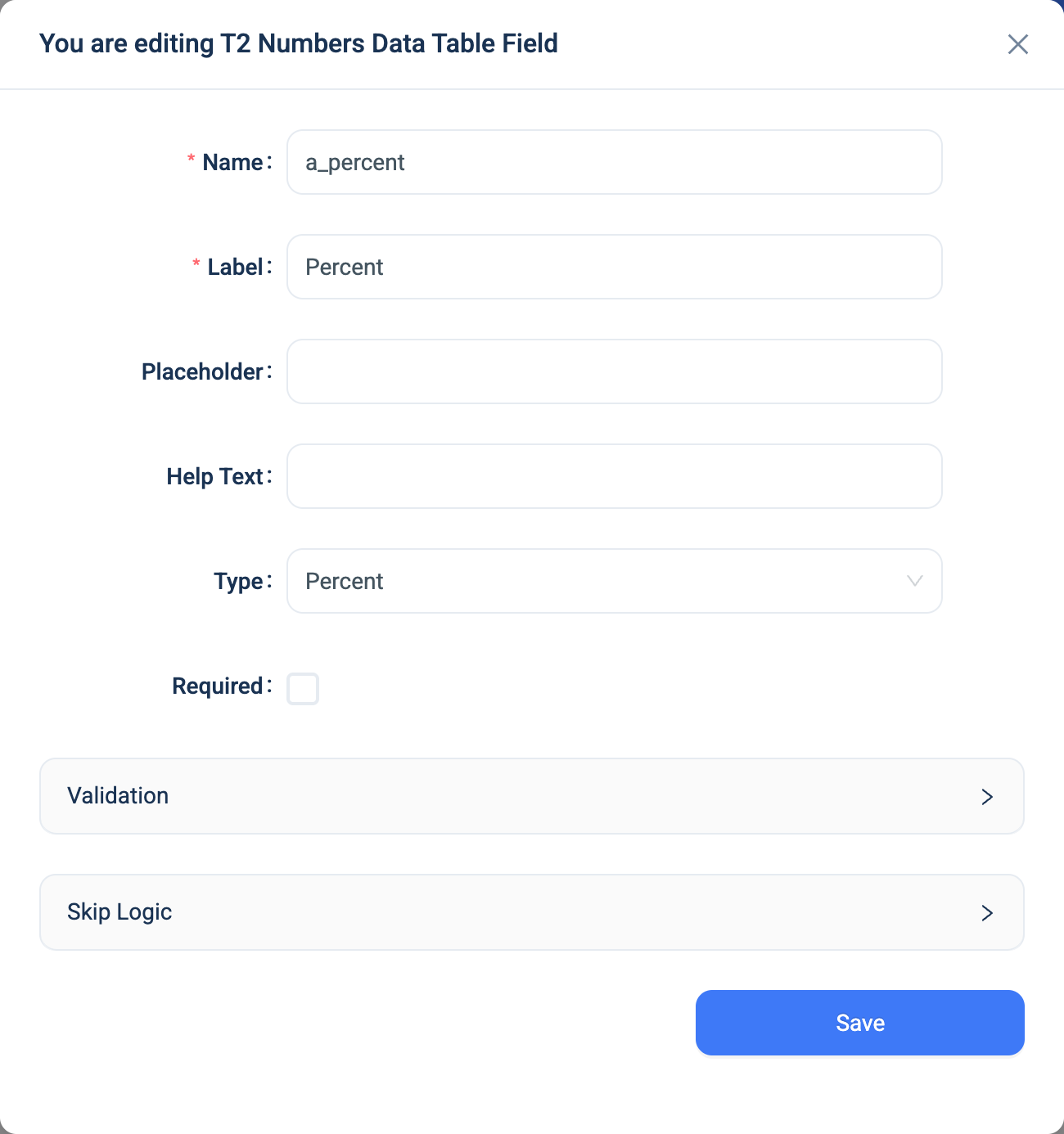
Every question has a Name, a Label, a Placeholder, Help Text, Required and Skip Logic. See Adding a question. Percent adds one panel.
| Setting | Description |
|---|---|
| Validation: Min, Max | The smallest and largest answer, as fractions. For 0% to 100%, set 0 and 1. Type a number, or pick an earlier number question. See A limit that is another question. |
There is no Prefix and Suffix panel and no No formatting checkbox.
Validation
The same rules as Integer, in fractions. A Max of 1 refuses an answer of 75 with "The number must be 1 or less".
Combinations that matter
- A calculated field reads the fraction.
completion * 100gives the percentage as a number. - Skip Logic compares the fraction. A condition "greater than 0.5" means more than 50%.
- A calculated field can replace a Percent question when the parts are on the form.
attended / enrolledgives the rate without asking the user to work it out.
How it looks
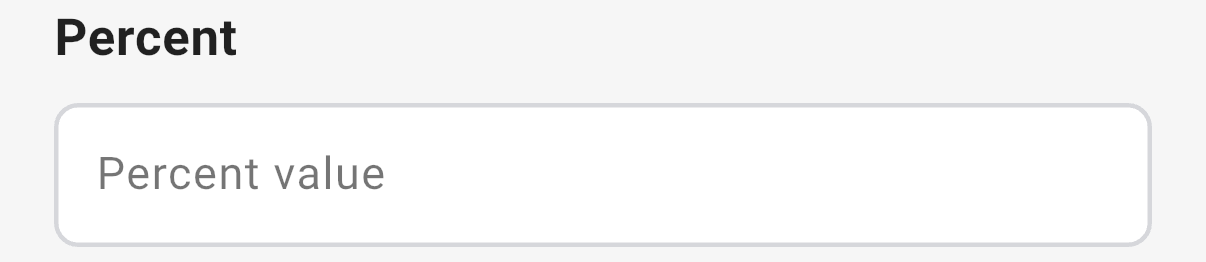
On the web the question is a number box. In the 3D app it is a plain box with the hint Percent value.

The question's settings, on the web:
The data
| Where | What you get |
|---|---|
| The record | The fraction, such as 0.75. |
| The data table | The percentage, such as 75%. |
| An Excel export | A percent cell, shown as 75.00%. |
| A CSV export | The fraction, 0.75. |
| A formula or Skip Logic | The fraction. |
Related types
- Decimal for a number that is not a share.
- Range for a score on a fixed scale.
- Auto Calculated to work out a rate from two other answers.